

Record once. Report once. Keep the history.
Record results in batches, attach your own reports, and keep every retest in one history.
Sound familiar?
What the week looks like before Pipesurf.
The same result, typed 40 times.
Forty joints, identical RT result, forty entries.
Reports sent by email.
Then someone else files them against the joints, or doesn’t.
A retest on joint 214.
Which report goes with which attempt? Nobody’s sure.
QC asks for a report you sent last week.
Here we go again.
Every attempt, every report
One joint, one failed test, one retest, and the whole history kept.
- 01Pass 1 recordedRT and PT pass. MT fails.
- 02Reports attachedTo this attempt, by the NDT team.
- 03Rework routedWith a reason, by the Production Engineer.
- 04RetestMT passes.
- 05Retest report attachedThe first attempt’s reports stay on record.
- 06QC verifiedThe whole history on one joint.
What changes with Pipesurf
Four things that stop happening the week you go live.
 With Pipesurf
Attach reports to the right attempt
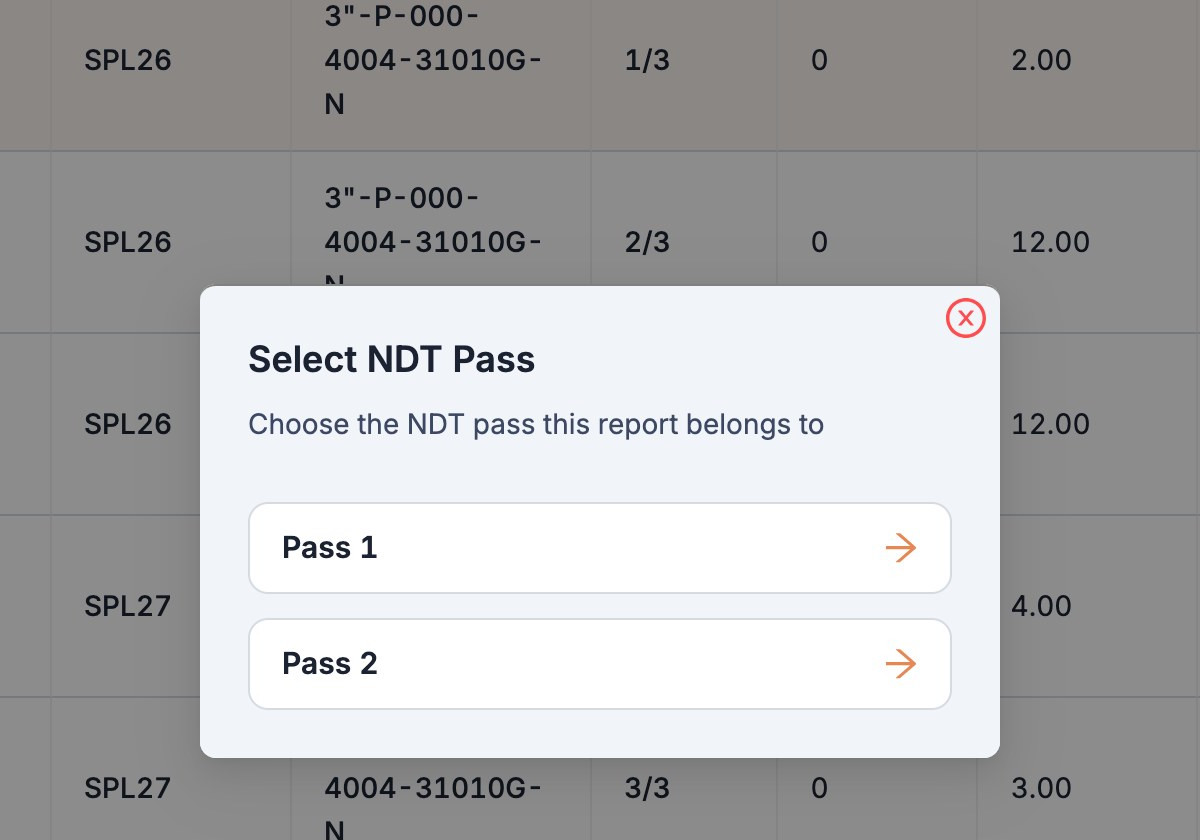
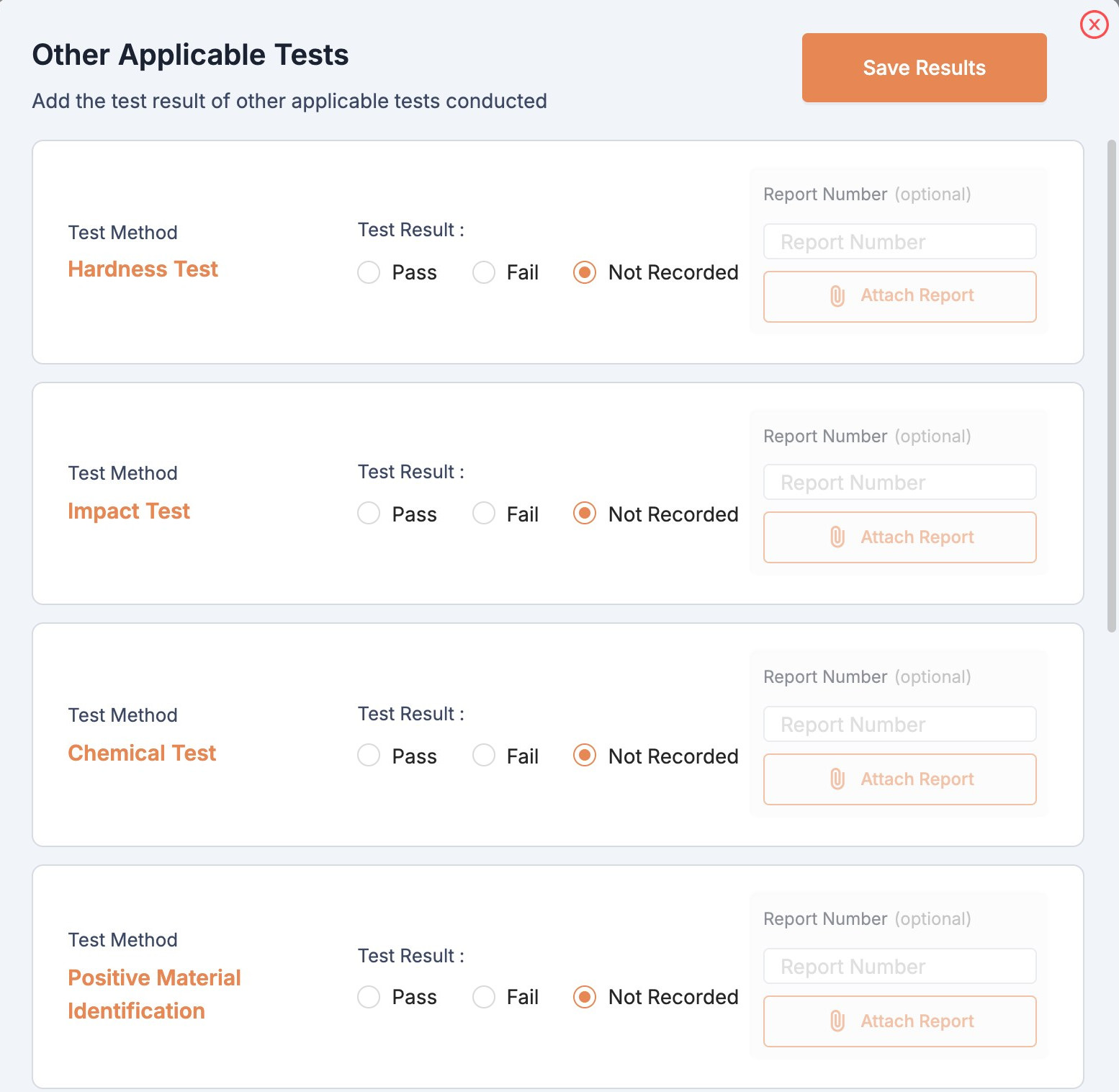
Pick the NDT pass and test method. Pipesurf links the report to the right test attempt, so the history survives every retest.
What you get
Built around the work you actually do, not around a spreadsheet.
Batch entry
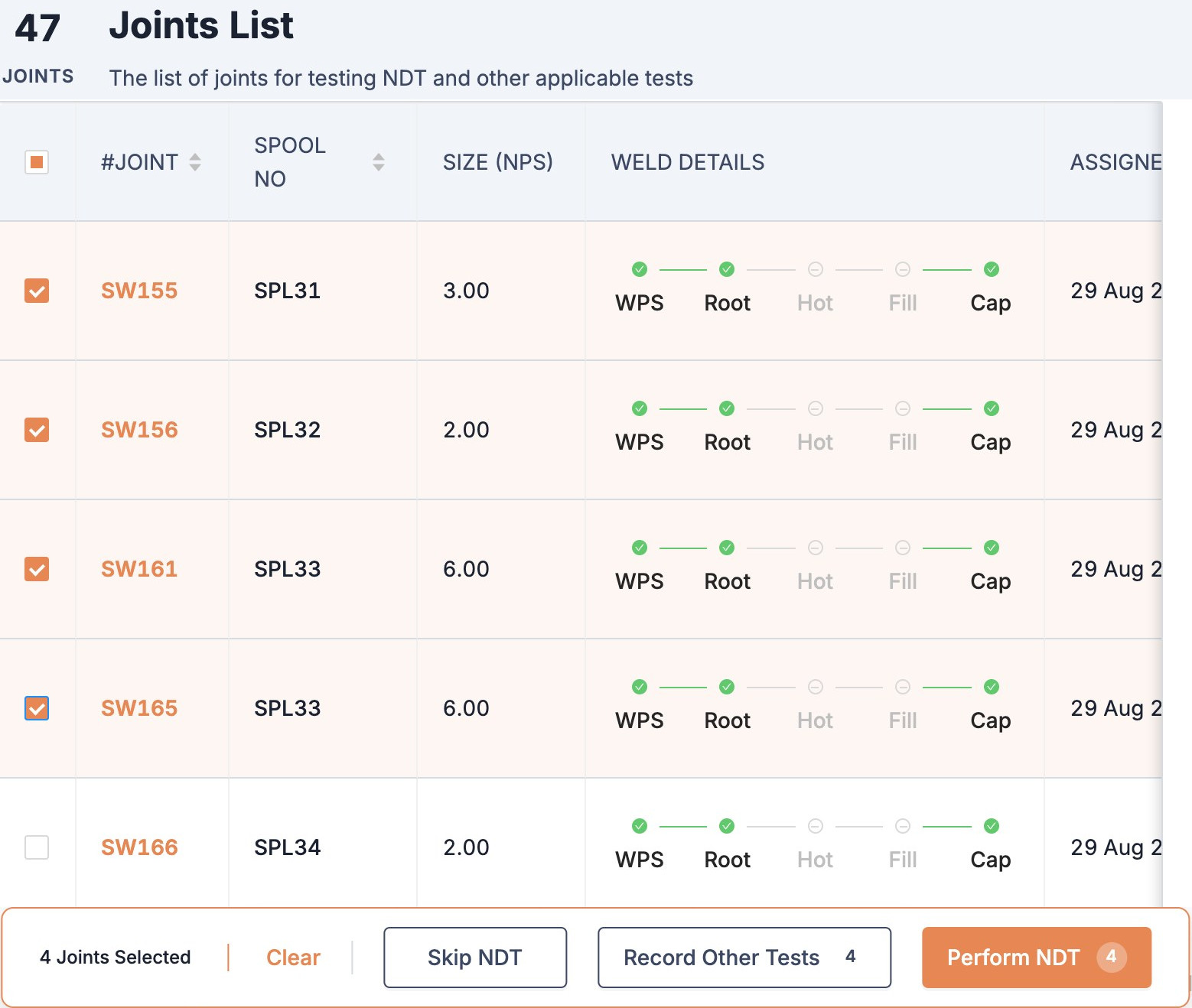
Record the same result for many joints in one go.
Your reports, attached by you
RT, PT, MT, UT, VT and other tests, in bulk, from your Completed page.
Pass 1 and Pass 2
Tests and retests for both NDT passes, where the project uses them.
Nothing lost
Earlier RT, PT, MT, UT and VT reports are kept across retests.
Who you work with
Every hand-off in the job sits on one record: yours, the people you work with directly, and everyone else.
Every joint. Every spool. Under control.
See how NDT Teams work in Pipesurf, on a project like yours. 30 minutes.